 NardPlay
Play now
NardPlay
Play now
Long Backgammon Online — Play Free
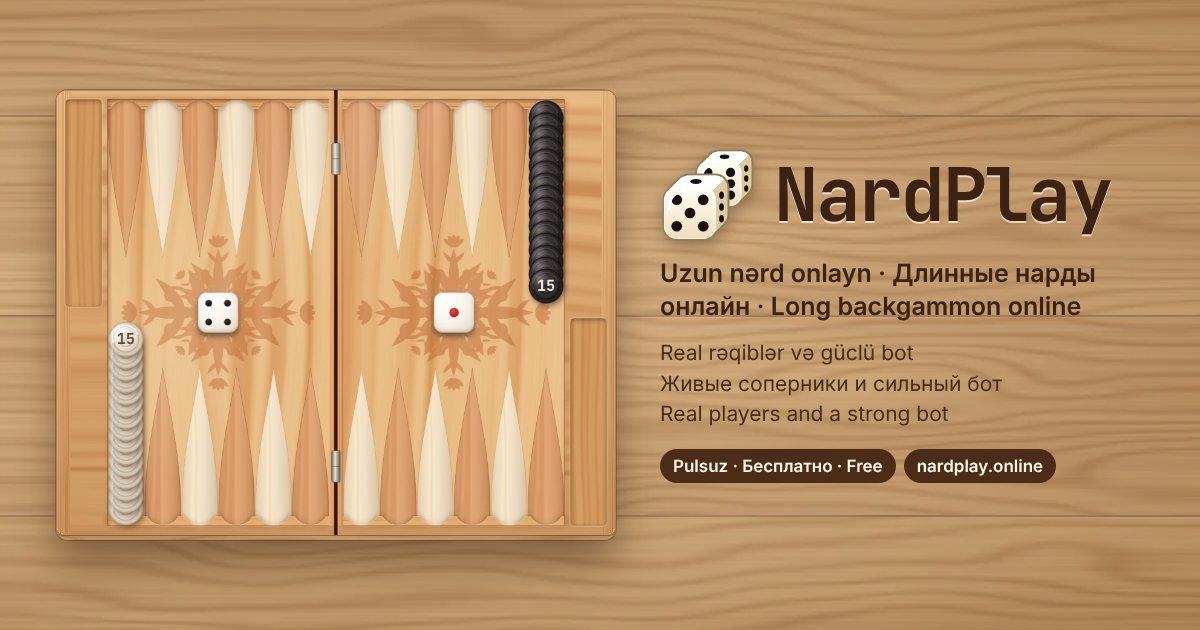
NardPlay is classic long backgammon (long nardy, uzun nərd) in your browser. Play real opponents from Azerbaijan, Russia, Kazakhstan, the USA and the rest of the world, or practise against a bot that keeps teaching itself. Nothing to download: it runs on phones, tablets and computers and can be installed as an app.
Play nowSign in with just a name and a PIN — no email or phone number
Why NardPlay
- Real opponents. “Find opponent” starts a game within seconds, and you can invite any player who is online.
- A strong neural-network bot. The bot learned long backgammon by playing more than a hundred thousand games against itself and keeps learning every day. Three levels: easy, medium and strong.
- Fair play. The server rolls the dice and checks every move against the rules — nothing can be peeked at or tweaked.
- Game review. After each game the neural network shows your move accuracy and how many blunders you made.
- Rankings. Five ranks from novice to grandmaster. The stronger the opponent, the more points a win is worth.
- Social. A public chat with emoji, in-game reactions, gifts for friends and live spectating of other games.
- Daily tasks and bonuses. Coins for wins, tasks, daily streaks and every hour you play; gifts for everyone on holidays.
Long backgammon rules
- Each player has 15 checkers. At the start they all stand on the “head” — the outermost point on the player’s side.
- Checkers move counterclockwise by the numbers rolled. Each die can be played by a different checker or both by the same one.
- A double (for example 5-5) is played four times.
- You can’t land on a point that holds even one of your opponent’s checkers. There is no hitting in long backgammon.
- Only one checker may leave the head per turn. Exception: a first roll of 3-3, 4-4 or 6-6 lets you take two.
- You may not build a block of six points in a row unless at least one opposing checker is ahead of it.
- If both dice can be played, you must play both; if only one, it must be the higher one.
- Once all 15 checkers are home (the last quarter of the board), you bear them off. The first player to bear off all checkers wins.
- If the opponent hasn’t borne off a single checker, it’s a mars — a triple win (300 points instead of 100).
How to start
- Open NardPlay, enter a name (2–8 letters) and choose an 8-digit PIN. New players get 100 points and 100 coins.
- Press “Find opponent”, invite a player from the list, or choose “Play the bot” and its strength.
- For the first move each player rolls one die — the higher roll starts. Then tap the dice, pick a checker and a point, or drag the checker.
Tips for beginners
- Don’t rush checkers off the head — first take the key points in your first quarter.
- Consecutive points get in your opponent’s way: a short block of 3–5 points often wins the game.
- Don’t stack too many checkers on one point — you lose flexibility.
- Watch the race: if you are ahead in pips, play fast and don’t block yourself.
- Check your move accuracy after each game — it shows your mistakes quickly.
FAQ
Is it free?
Yes. NardPlay is free; there is no real money and no betting — coins are only for gifts.
Do I need to download anything?
No. The game opens in your browser. On Android and in desktop Chrome you can install it with “Install the app”; on iPhone use Share → Add to Home Screen.
How is long backgammon different from backgammon?
In long backgammon every checker starts on the head, there is no hitting, and you can’t land on a point your opponent holds. In classic (short) backgammon checkers start spread over the board and can be hit.
What is a mars?
A mars is a win where the opponent hasn’t borne off a single checker. It is worth 300 points instead of 100.
How does the bot work?
It is a neural network that learned by playing more than a hundred thousand games against itself and keeps learning on the server. Pick the easy, medium or strong level to practise.
Can I delete my account?
Yes, at any time: Settings → Delete account, or on the account deletion page.